 Lesson Bank
- Subject
- Reading/Writing
- Grade / level
- Elementary
- Activity time
- 1 hour or less
- Materials
- Kids Pix program
- Concepts / topics
- Language Arts, Technology
Lesson Summary
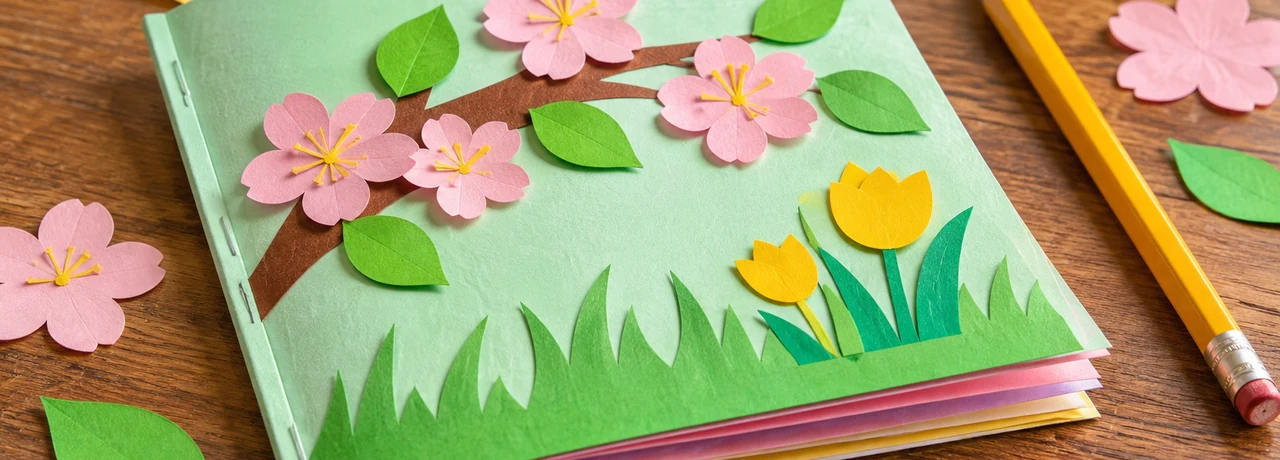
Students discuss spring sights, map ideas, write a sentence and create a picture in Kids Pix, then combine the pages into a class book.
Objective
The students will create a picture of what spring is to them.
Introduction
Motivational Discussion
Ask students, “How many people like to go outside, now that it is warm?” Discuss things they see outside in the spring.
Development
- Create a concept map on the board or use a program like Inspiration. Use “Sights of Spring” as the main idea.
- Have students list the sights of spring while the teacher records them.
- Review and post the map for students to see.
- Have students use Kids Pix to write a sentence about one of the posted ideas (one of the sights of spring). Help students as needed. You may want to begin them with the starter sentence, “In the spring, I see...”
- Have students create a picture to go with their sentence.
- Print each picture on a color copier.
- Select a student or students who finish early to make the cover.
- Have the teacher create a foreword page about the book.
- Bind the book together and “publish” it.
Summary
Ask, “What have we learned?” Responses include what students learned about spring.