

Copy and Paste Living Things
- Computer
- 1-2

- Activity Time
- Materials
- Concepts / Topics
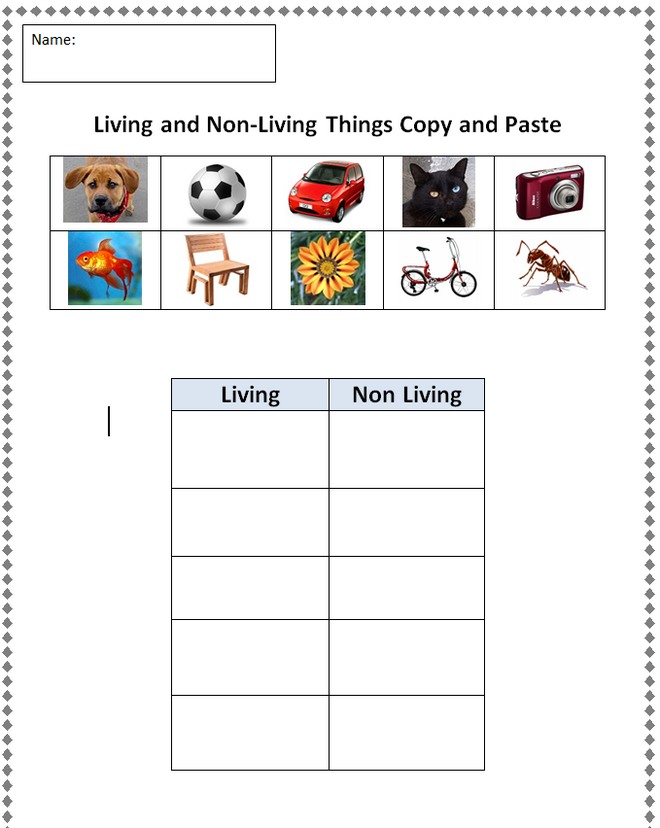
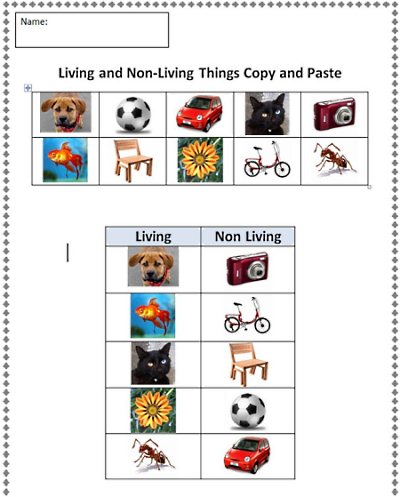
The teacher demonstrates copy and paste, then students use a word processing template to place images in living and nonliving columns.
Copy and Paste Practice
This lesson gives students practice learning how to copy and paste using a word processor. Students use the copy and paste template to classify living and non-living things, copying and pasting images of the items into the correct columns.
I have used this successfully with advanced first graders, but I have found that many students in upper grades could use this practice as well.
Procedure
- Download the template and distribute it to students’ computers.
- Demonstrate how to copy and paste.
- Give students about 20 minutes to complete the practice sheet.
Copy and Paste Template
Download the copy and paste template:
http://www.box.net/shared/5ct35ezpmmq2hr4ty0e8
This is one of several copy and paste templates available for practice. Other templates provide additional copy and paste and cut and paste practice using numbers, animals, push and pull, etc.
Teachers.Net · https://teachers.net/lessons/1761.html